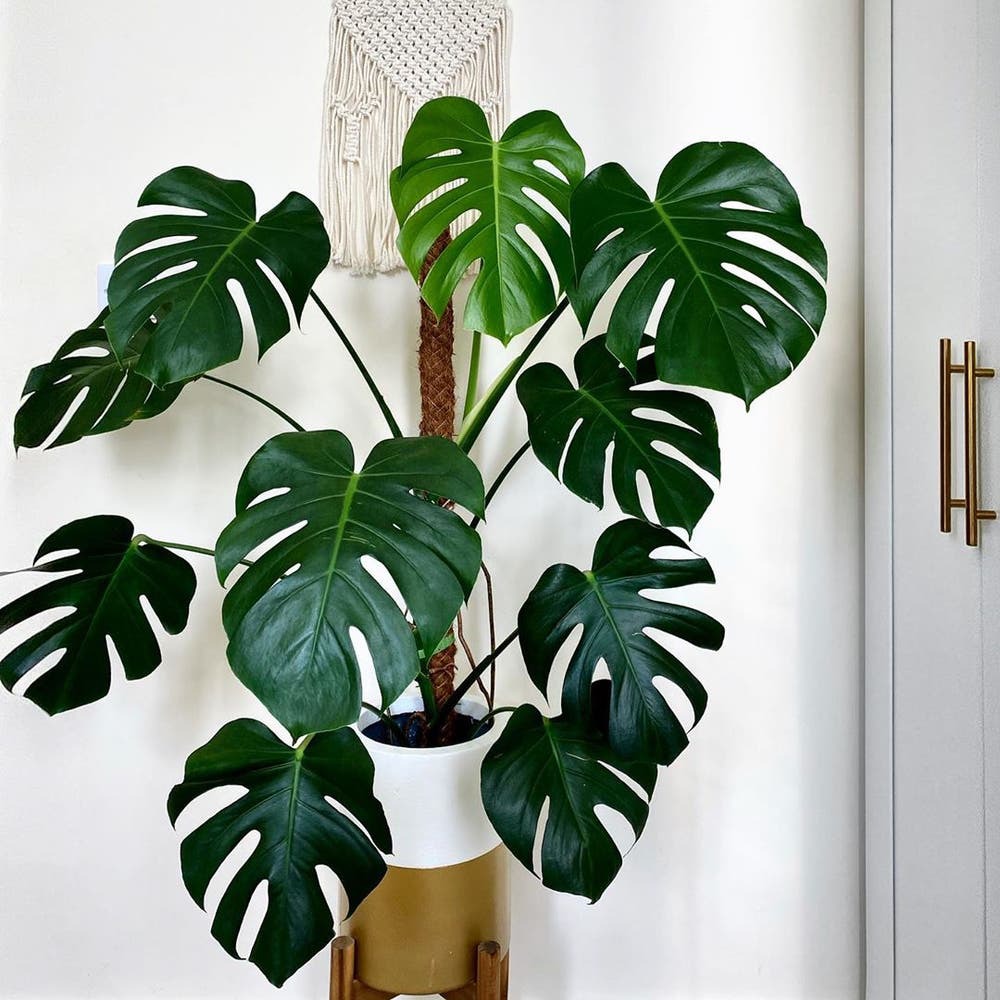
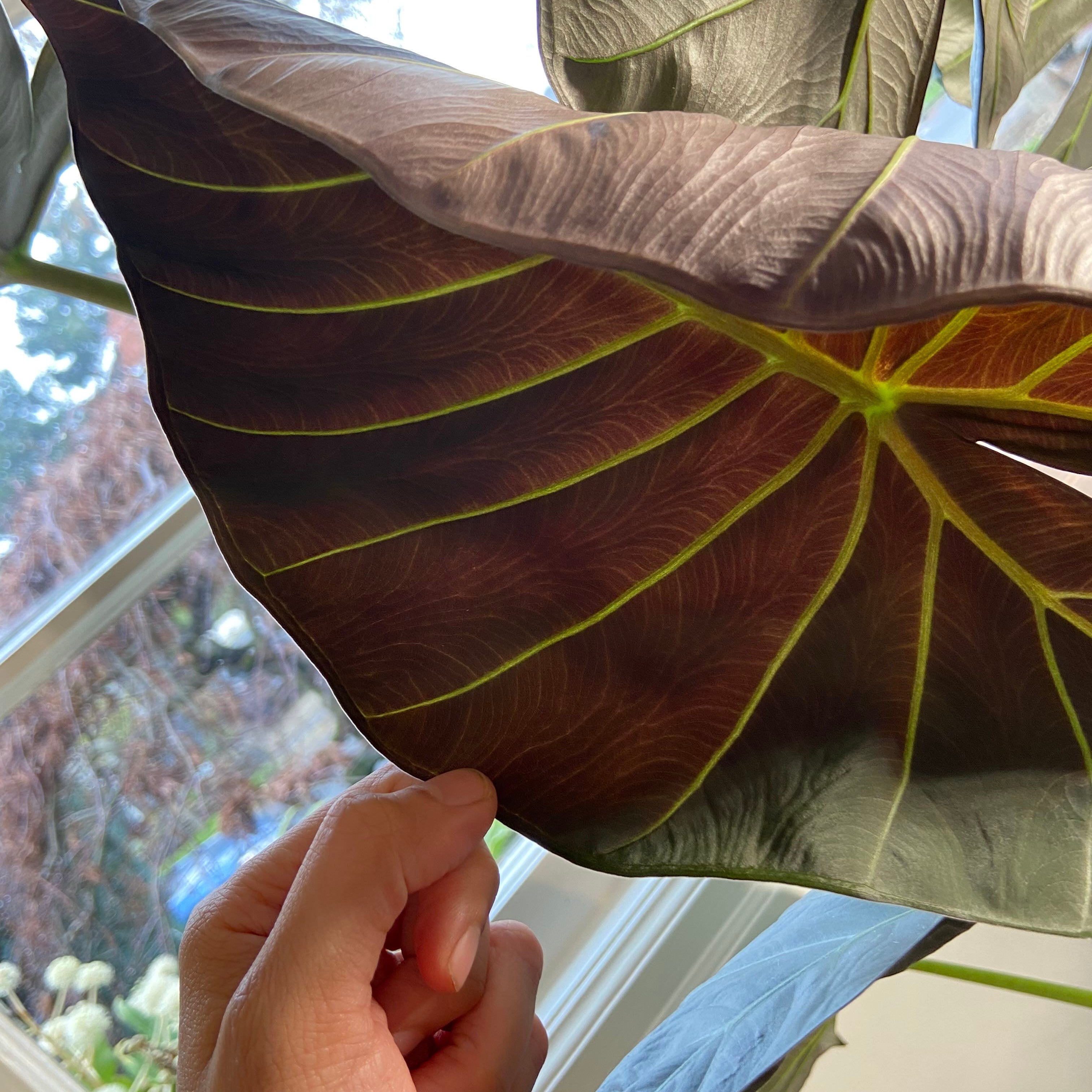
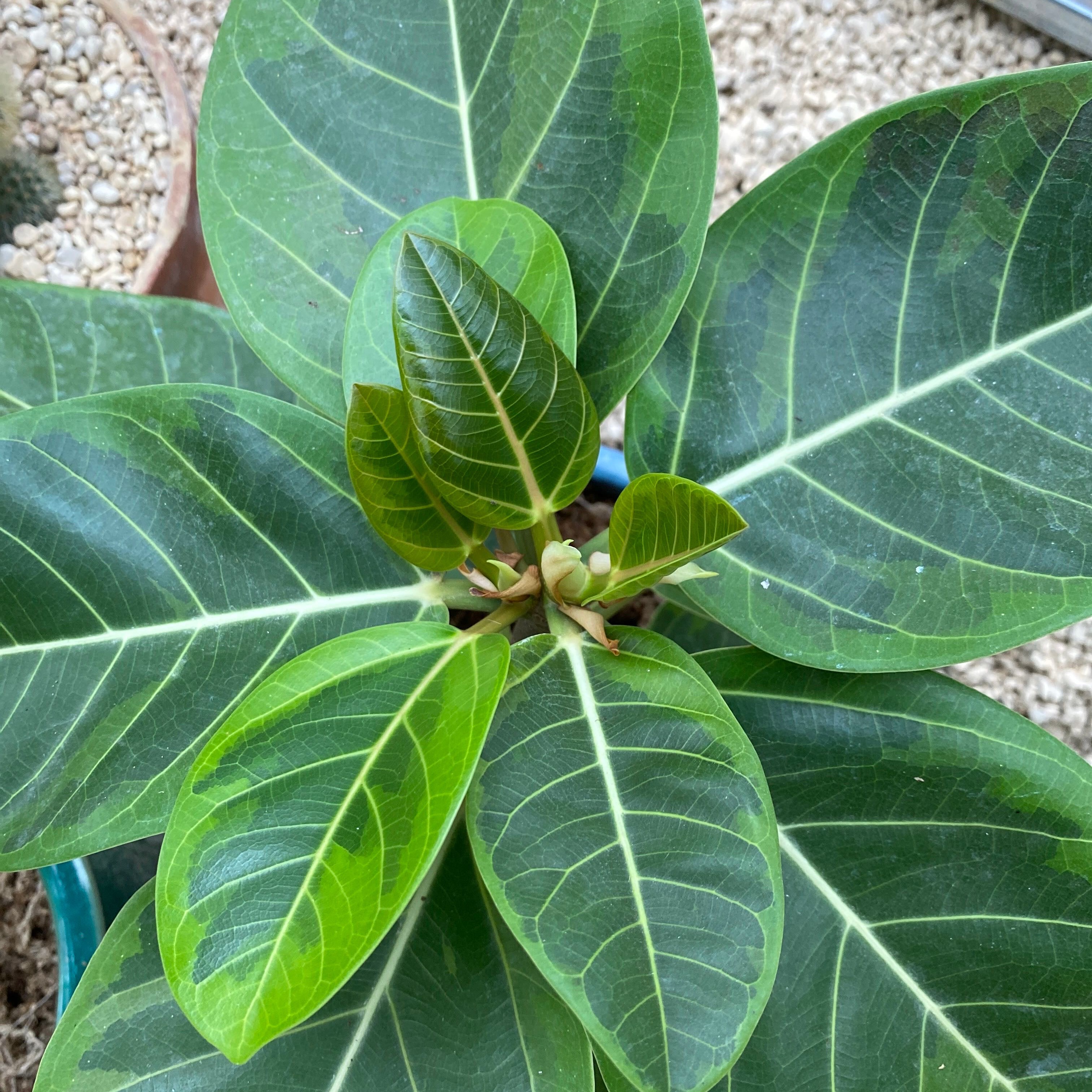
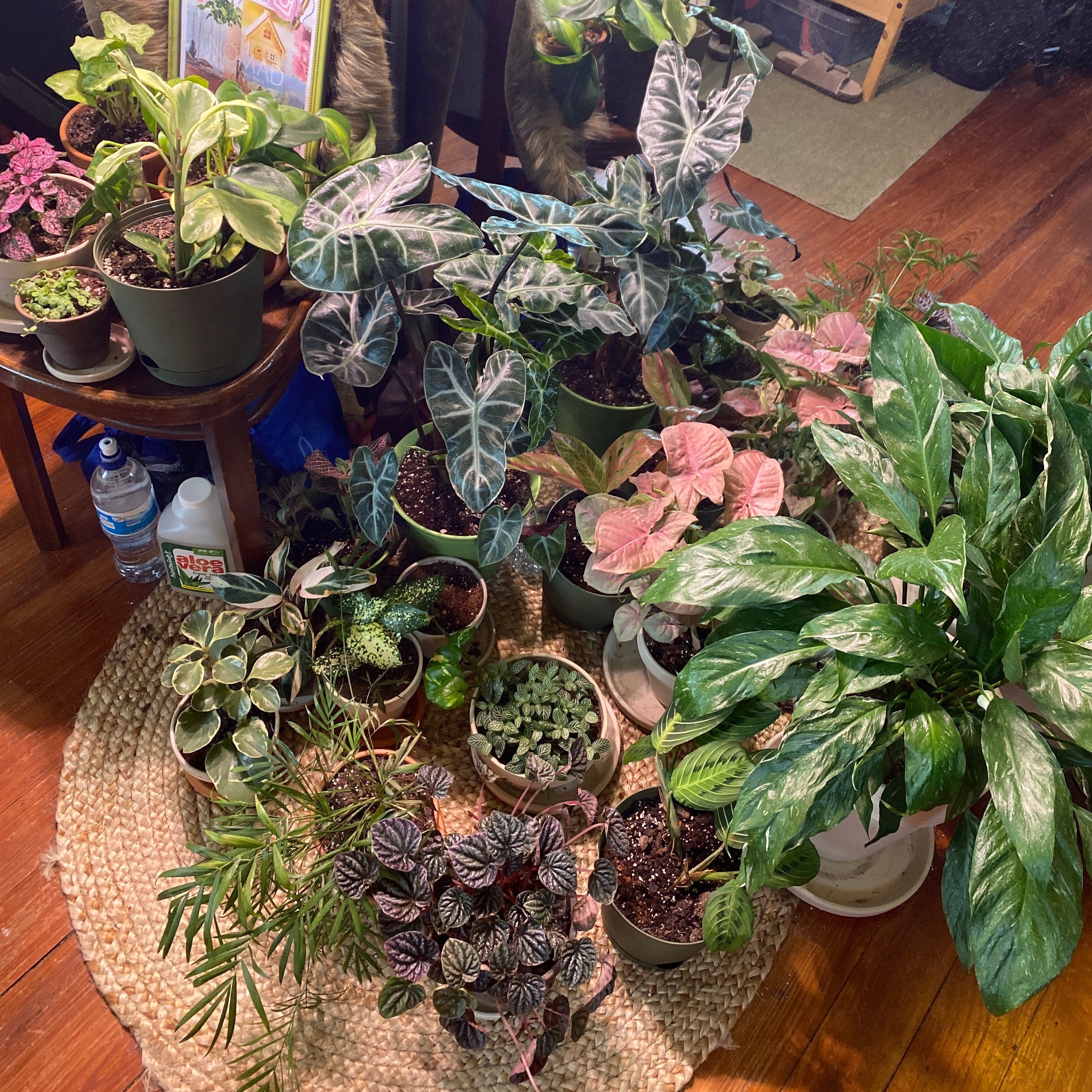
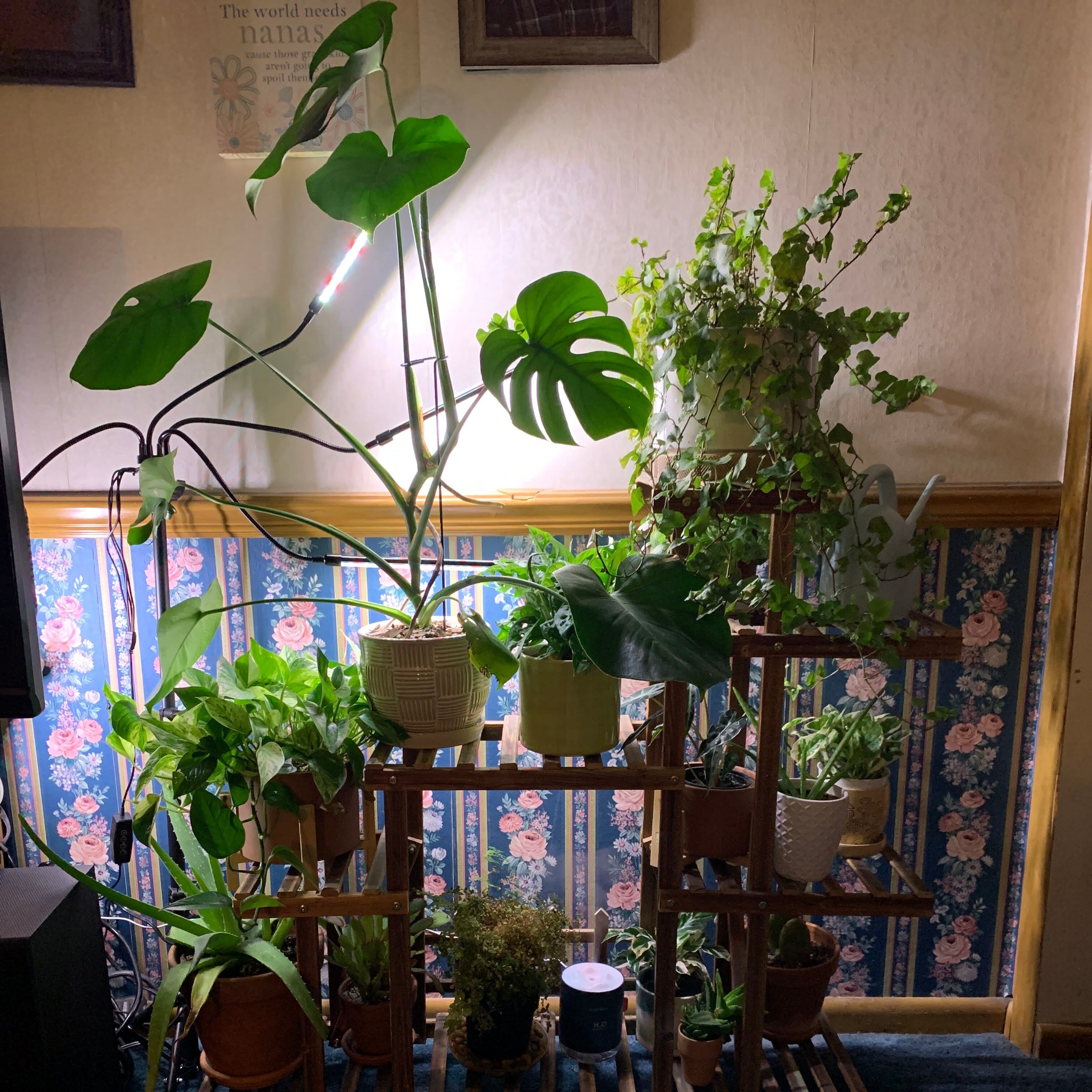
GregFeedback Join the Community #Monstera #NewGrowth #FicusGang #HappyPlants #Pothos #GrowLights Popular New @Onepiece.plants · 2w Plant Collection… been through so much trials with my plants. I have lost a lot throughout the journey but i have finally gotten to a stage where all i see is growth. My collection have grown tremendously and I am happy i finally got the hang of it! #HappyPlants #PlantsMakePeopleHappy #PlantAddict #NewGrowth #GrowLights #NewPlantMom #HangingPlants i am glad i got this app. It truly has helped me through these months. Thank you everyone for the advice! #GregGang #GregFeedback #PlantTherapy 23 22 Comments @smushface · 2w App freezes to the point of being unusable Just went to respond to a comment and had to force quit the app maybe 30 times to be able to type a reply… the keyboard and app just stop responding and the app hard freezes. The trigger seems to be if an image in a comment is visible while using the keyboard… when I replied to the initial comment it would freeze after typing one character, if I replied from the top with no photos visible and manually tagged the person it would let me type but if I scrolled down while typing and photos came into view the app would hard freeze again. If you try to just sleep the screen or switch to the phone’s Home Screen and back to the app, the app will remain frozen but fully crash within 5-10 seconds of opening it back up. This has been happening when replying to comments for a month or so, but I’ve never had to force quit more than 3-5 times. Today I literally had to do it dozens of times, this is basically at to the point where the app is unusable. My iPhone and app are up to date etc, this app is literally the only problem. Your bugs keep getting worse and worse, little-to-none of them are getting resolved, there is no nice way you need to be doing better or someone else will. #GregFeedback 1 0 Comments
GregFeedback Join the Community #Monstera #NewGrowth #FicusGang #HappyPlants #Pothos #GrowLights New Popular Ask a Question 23 22 Plant Collection… been through so much trials with my plants. I have lost a lot throughout the journey but i have finally gotten to a stage where all i see is growth. My collection have grown tremendously and I am happy i finally got the hang of it! #HappyPlants #PlantsMakePeopleHappy #PlantAddict #NewGrowth #GrowLights #NewPlantMom #HangingPlants i am glad i got this app. It truly has helped me through these months. Thank you everyone for the advice! #GregGang #GregFeedback #PlantTherapy @Onepiece.plants posted 2w ago 1 0 App freezes to the point of being unusable Just went to respond to a comment and had to force quit the app maybe 30 times to be able to type a reply… the keyboard and app just stop responding and the app hard freezes. The trigger seems to be if an image in a comment is visible while using the keyboard… when I replied to the initial comment it would freeze after typing one character, if I replied from the top with no photos visible and manually tagged the person it would let me type but if I scrolled down while typing and photos came into view the app would hard freeze again. If you try to just sleep the screen or switch to the phone’s Home Screen and back to the app, the app will remain frozen but fully crash within 5-10 seconds of opening it back up. This has been happening when replying to comments for a month or so, but I’ve never had to force quit more than 3-5 times. Today I literally had to do it dozens of times, this is basically at to the point where the app is unusable. My iPhone and app are up to date etc, this app is literally the only problem. Your bugs keep getting worse and worse, little-to-none of them are getting resolved, there is no nice way you need to be doing better or someone else will. #GregFeedback @smushface posted 2w ago

 GregFeedbackGregFeedback